Character & Hero Images
Player characters, NPCs, heroes and villains as a consistent cast. Used across session prep and player references, and covered in full on the Character / Hero family page.
Campaign castSeven structured engines. One connected campaign visual system.
VISINVOKE™ D&D Image is a structured image-generation system for tabletop fantasy campaigns. Seven guided engines cover characters, creatures, locations, battlemaps, magic effects, artifacts and cinematic story moments, with up to 4,000 selectable options to choose from per generator and controlled, repeatable output, all from one account-linked platform.
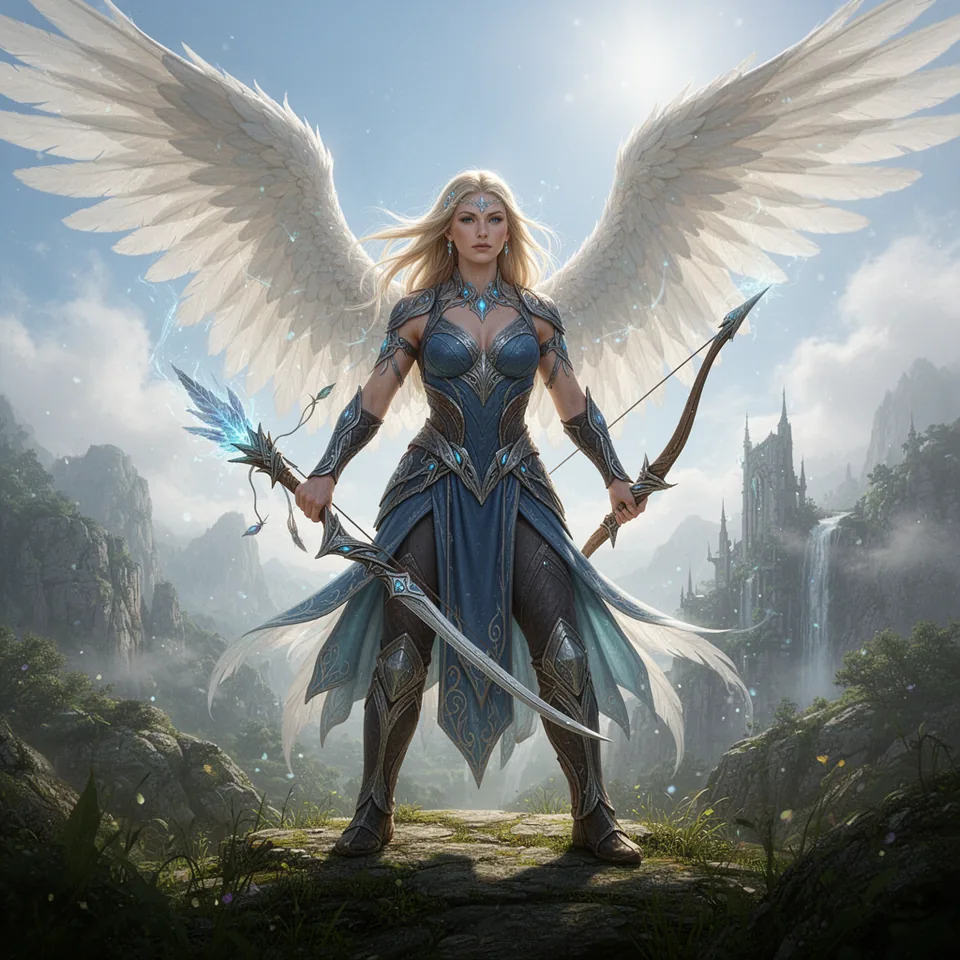
VISINVOKE D&D Image is built for people who run and play tabletop fantasy campaigns. Rather than typing a fresh prompt each time and hoping the result fits, you work through guided engines with deep selectable-option libraries, so an entire campaign shares one consistent visual direction.
Seven engines cover characters, monsters, places, battlemaps, magic, objects and cinematic moments. Each generator can include up to 4,000 selectable options to choose from and over one trillion possible combinations, and every engine connects into the wider VISINVOKE platform and the Dashboard.
Seven connected engines cover the full range of what a campaign needs to look like, from the party to the places they explore.
Each engine is guided and structured, so a character, the monster they fight, the room it happens in and the story beat that follows can all be generated to match. Every engine below has its own dedicated family page.
Player characters, NPCs, heroes and villains as a consistent cast. Used across session prep and player references, and covered in full on the Character / Hero family page.
Campaign castBeasts, monsters and adversaries for encounters and bestiary references. Keeps threats matched to your campaign tone, with its own family page.
Encounters and threatsSettlements, wilds and interiors that set the scene. Ideal for location reveals and worldbuilding, with a dedicated family page.
Places and worldbuildingTactical maps for encounters, prepared for VTT and combat play. Used in battlemap planning, with its own family page.
Tactical encountersSpell effects, auras and arcane visuals for dramatic moments. Handy as magic references at the table, with a dedicated family page.
Spells and effectsItems, artifacts and structures that give a world detail and stakes. Useful as item references and reveals, with its own family page.
Items and structuresStory-beat scenes that capture the big turns in a campaign. Built for reveals and recaps, and covered on its own family page.
Story beatsThese images are proof of the VISINVOKE generator system itself. From the same structured selections, the model produces multiple accurate images in one visual direction, then creates slight, controlled variations when specific selected options are changed. That is repeatability, controlled variation and accurate image direction across VISINVOKE's structured generator model, not random one-off prompting. Character / Hero is only the example engine shown here. The same generator model runs behind every VISINVOKE engine and every family beneath them.
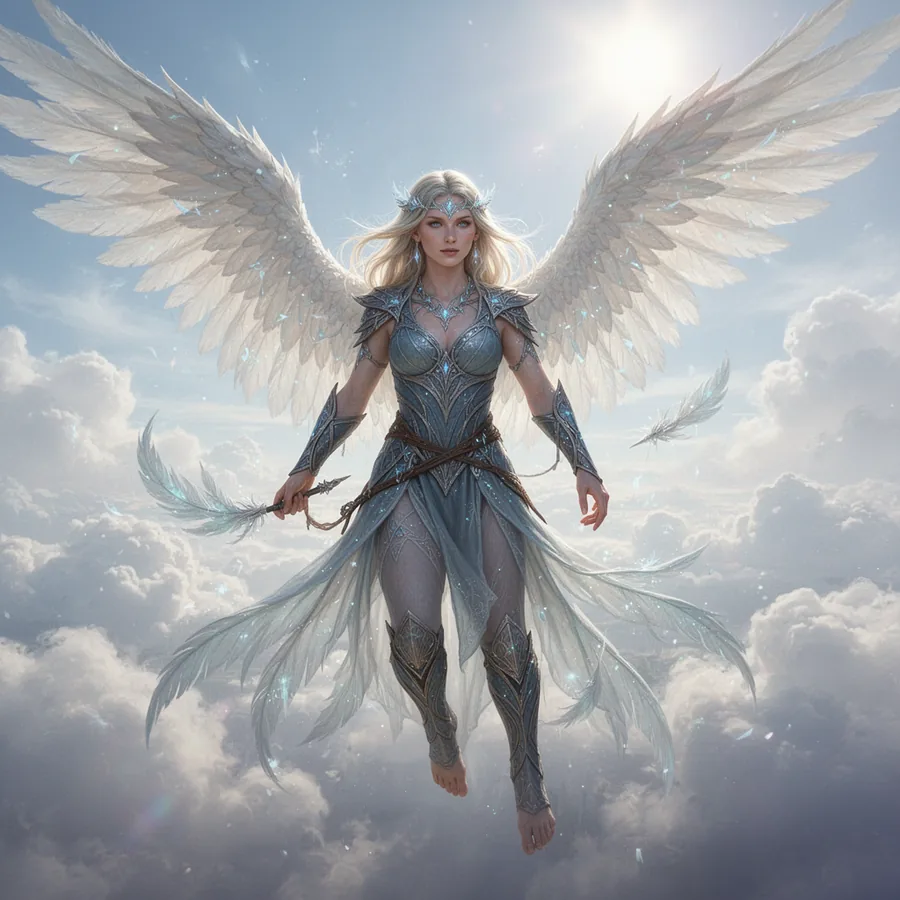
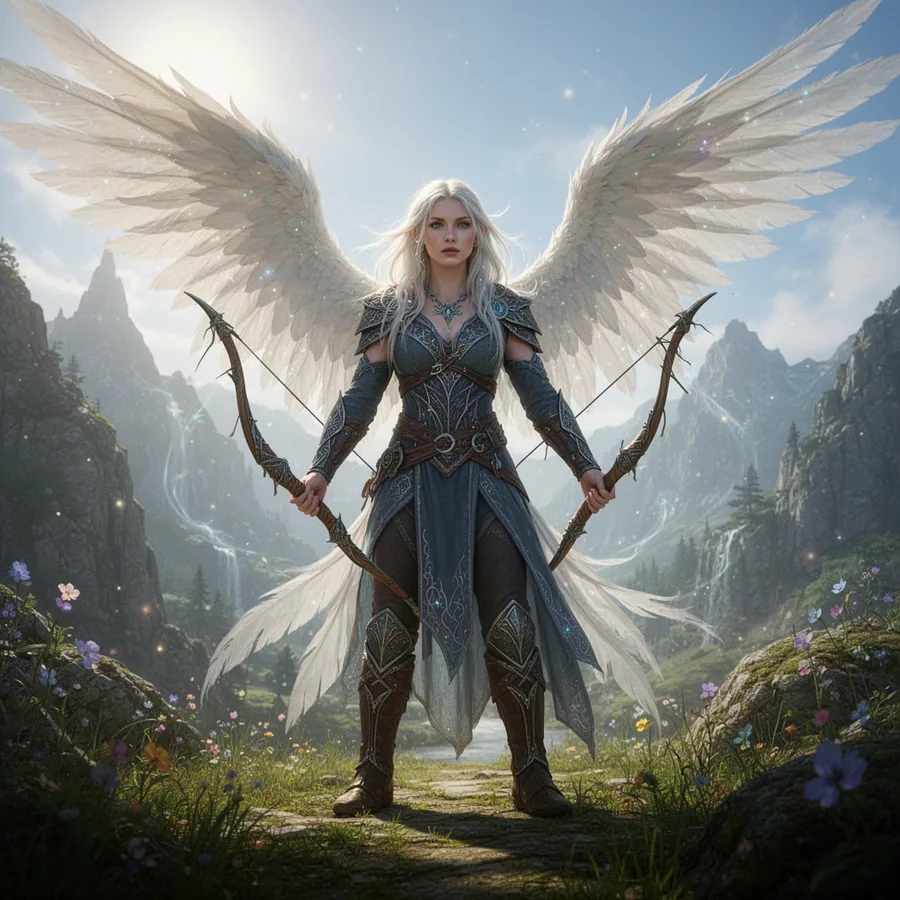
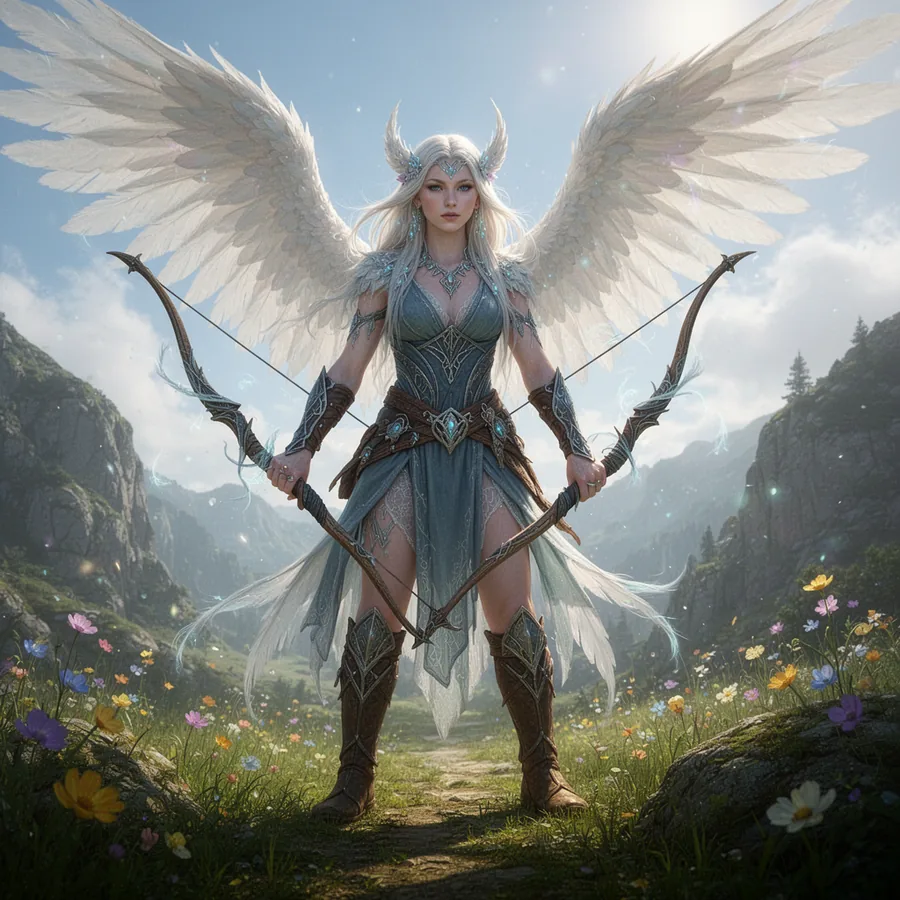
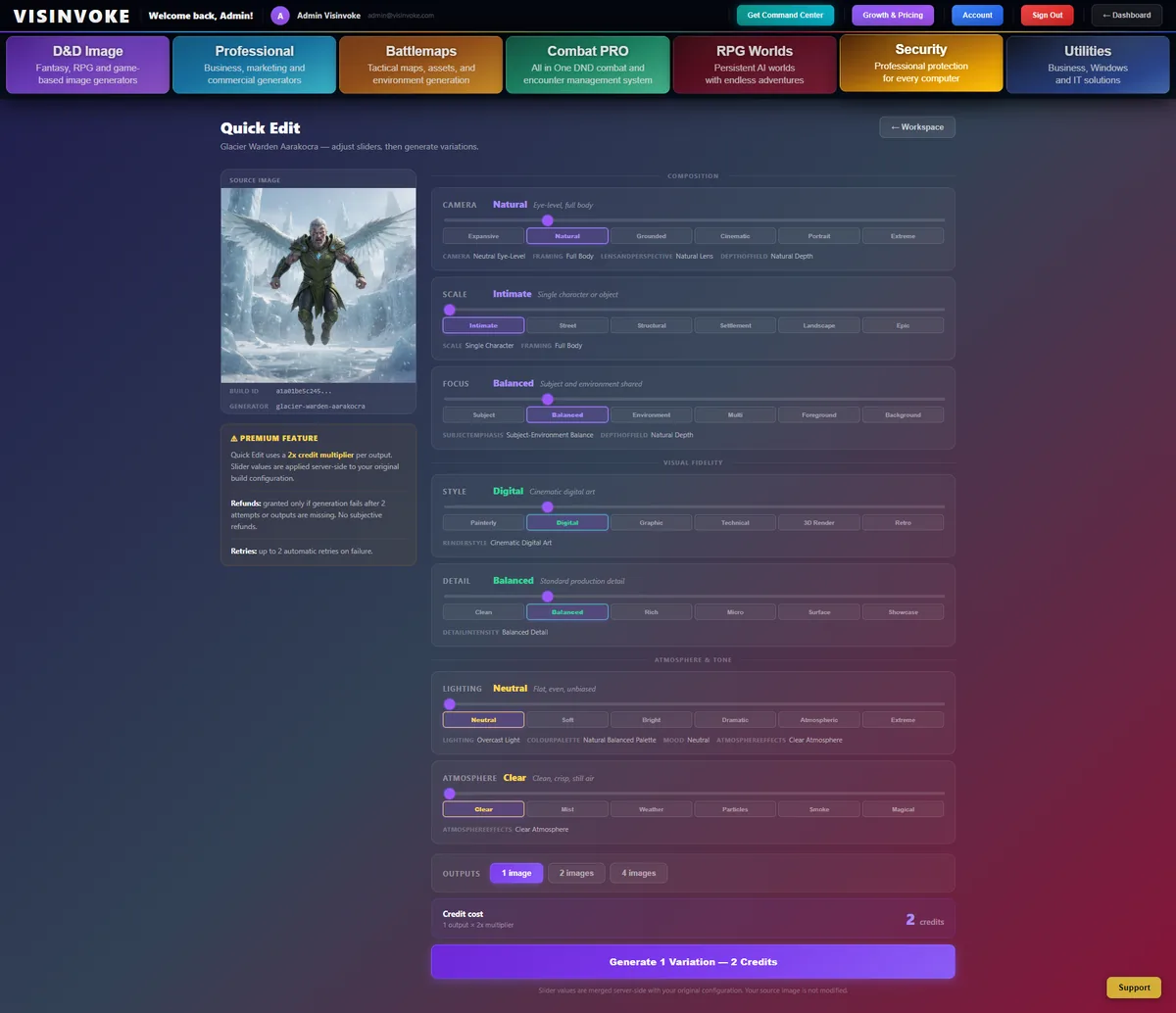
VISINVOKE does not treat each image as a disposable one-off result. Generated images become reusable builds inside your workspace, where you can return to recent work, continue a build, duplicate it, organise it into collections, save presets and create controlled variations through Quick Edit. For D&D Image, a Dungeon Master can create a character, monster, NPC, location, item, magic effect, dungeon, settlement or campaign scene, then return later to adjust the image direction for a new session, a variant NPC, changed lighting, an alternate atmosphere or a campaign-specific version.
Return to your recent work in an account-linked Build Workspace, with build history and clarity indicators.
Reopen a build and keep going from where you left off, instead of starting again from a blank prompt.
Duplicate a build to branch a new direction, then refine it while keeping the original intact.
Organise generated assets into collections, add to a collection and keep a campaign's imagery together.
Save presets and reusable configurations, and start from templates so a look is one click away next time.
Create controlled variations from an existing build, and animate outputs where supported.
Quick Edit lets you reopen a generated build and adjust structured controls without starting from scratch. Instead of a blank prompt, you keep the original direction and generate a deliberate variation.
The VISINVOKE difference: not random one-off prompting and not disposable image generation. Repeatable image direction, organised build history, controlled variation from existing work, saved presets and reusable configurations, all in an account-linked workspace.
The D&D Image system is shaped around the real work of running a campaign, so what you generate has a clear place in your sessions.
Line up the cast, threats and scenes before you run.
Prepare references to share during play.
Give named NPCs and monsters a face.
Prepare art for your virtual tabletop of choice.
Plan tactical spaces for upcoming encounters.
Reveal a place at the right moment in a session.
Show spells, effects and key items clearly.
Build a coherent look for your whole world.
Share visuals with your table between sessions.
Display images on a shared screen at the table.
The difference is coherence. Seven guided engines give you a campaign that looks like one world. Random prompting gives you images you have to fight to match.
Each engine is a guided system in its own right, with its own dedicated family page. Character / Hero is live as the first family page, and the rest follow underneath this hub.
Player characters, NPCs, heroes and villains as a consistent, reusable cast.
View familyBeasts, monsters and adversaries for encounters and bestiary references.
View familySettlements, wilds and interiors that set the scene for your campaign.
View familyTactical maps for encounters, prepared for VTT and combat play.
View familySpell effects, auras and arcane visuals for dramatic moments.
View familyItems, artifacts and structures that give your world detail and stakes.
View familyStory-beat scenes that capture the big turns in your campaign.
View familyBeneath the seven engines, D&D Image is organised into family groups. Each group gathers related family pages, and the network grows as new families are added underneath the right group.
This page is the parent hub. Family groups sit below it, individual family pages sit below each group, related families link across, and every path leads back here and out to the wider VISINVOKE platform.
Playable lineages and species, subrace breakouts, bloodlines and class-inspired heroes. Family pages here cover the many lineage and hero families that make up a party and its notable figures.
View family groupMerchants, nobles, guards, priests, criminals, soldiers, scholars and faction agents. Family pages here cover the working roles and named figures that fill a living campaign world.
View family groupWildlife and beasts by habitat, behaviour, element and life stage, plus companions and bound creatures. Family pages here cover the natural fauna that populate encounters and ecologies.
View family groupAberrations, fiends, dragons, undead, giants, elementals and constructs, plus elite, champion and raid-boss tiers. Family pages here cover the threats and set-piece antagonists of a campaign.
View family groupSpell schools and effects, magic sources and systems, rituals, enchantments and wild magic. Family pages here cover the arcane visuals and magical systems that shape a world.
View family groupWeapons, armour, shields, potions, scrolls, wands and rings, through to minor and world-tier artifacts. Family pages here cover the equipment and treasures that reward and define a party.
View family groupBiomes and terrain, from deserts and glaciers to jungles and volcanic wastes, plus notable locations and micro-zones. Family pages here cover the settings a campaign moves through.
View family groupHamlets through to capitals and metropolises, trade hubs, garrisons, districts and governance types. Family pages here cover the inhabited places where campaigns are based and negotiated.
View family groupDungeon complexes and lairs by structure, zone, trap, puzzle and access system, including dragon, fiend and undead lairs. Family pages here cover the delves at the heart of many sessions.
View family groupGuilds, orders, houses and syndicates, alongside religions, cults, pantheons and cultural traditions. Family pages here cover the powers, faiths and customs that drive campaign politics.
View family groupTrade, guilds, markets and taxation, plus armies, legions, war doctrine, sieges and naval forces. Family pages here cover the economic and military systems that give a world weight.
View family groupRoutes and expeditions, environmental and magical hazards, status conditions, and land, sea, air and planar vehicles. Family pages here cover getting around and the dangers along the way.
View family groupThe planes of existence, cosmic events and entities, world-creation myths and planar alignments. Family pages here cover the cosmology that frames the whole setting.
View family groupImages from every D&D Image engine are designed for use with campaign prep and virtual tabletop play. They are usable as references, handouts and tokens where suitable, so they slot straight into how your table already runs.
Designed for use with these systems. VISINVOKE does not claim direct integrations.
D&D Image is one part of a connected platform. These systems work alongside it across your campaign and command needs.
Common questions about the seven-engine system and how it fits the wider VISINVOKE platform.
Create a free VISINVOKE account, open the Dashboard, and prepare characters, creatures, locations, battlemaps, magic effects, artifacts and story moments for launch on 30 October 2026.