
One connected VISINVOKE ecosystem
15 FULL-VERSION PREMIUM UTILITIES.
FREE FOREVER.
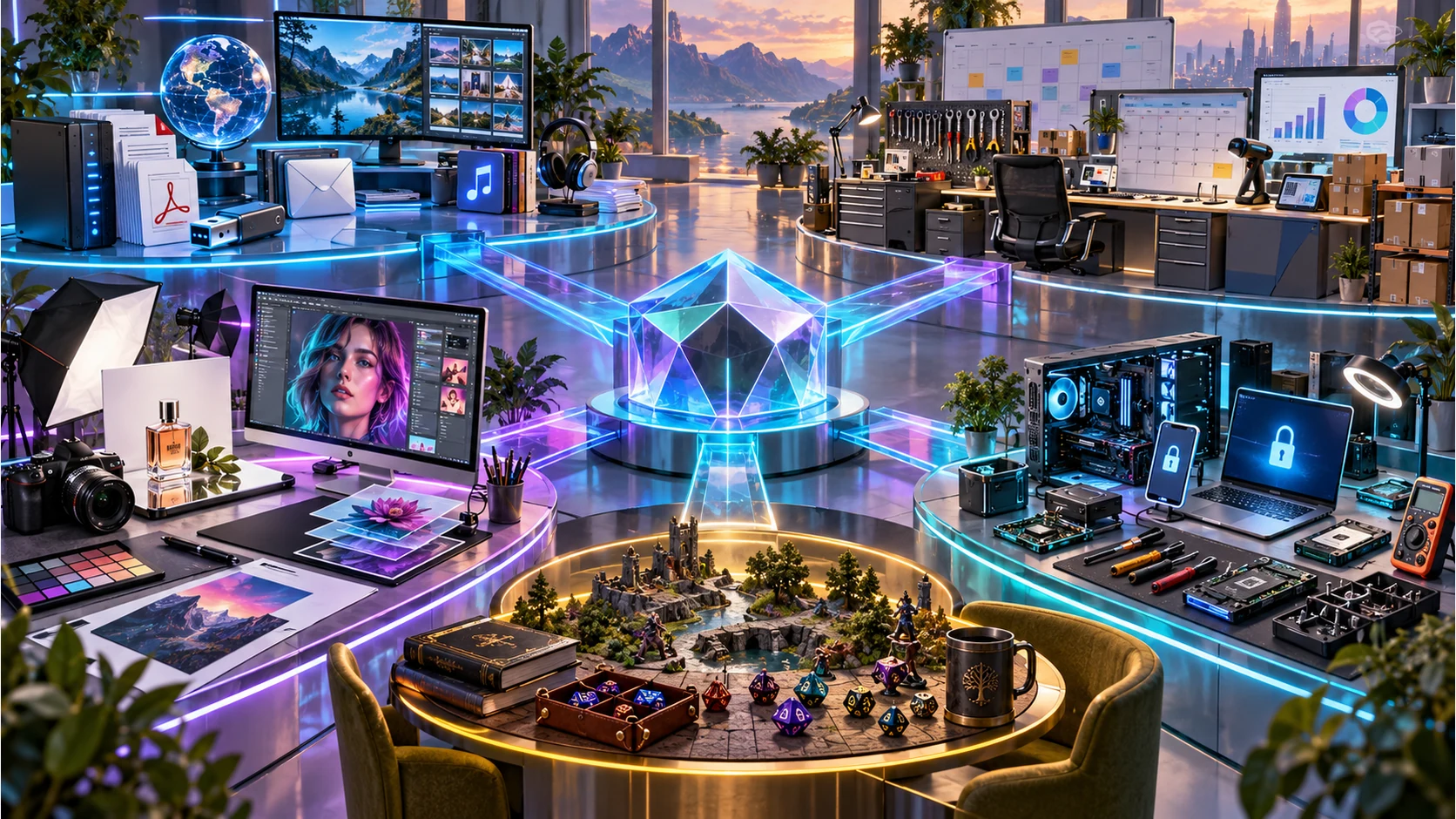
No credit card required. No trials. No expiry. Creative systems, professional applications, game tools, utilities, security and business operations connect through one account, one Dashboard and one desktop command point.
Create one free VISINVOKE accountUse the central DashboardInstall the Desktop Command CentreOpen eligible systems across supported devices
Everything connected. The whole picture.
VISINVOKE at a glance.
Everyday tools. Creative production. Business operations. Technical work. Security. Tabletop play. Living worlds. One connected ecosystem.
24free-utility websites15 core utilities + 9 further explorers
13business application websites6 professional tools + 7 business cloud systems
267generator websitesCharacters, encounters, worlds and table moments
1Virtual Shop websiteSpecialist gaming application
Combat PROConnected tabletop combat management
1 Technician workspaceDiagnostics · repairs · knowledge · workflows
1 Desktop Command CentreDiscover · install · sign in · run
324 dedicated VISINVOKE product and discovery websites connect the catalogue and central ecosystem. This is a website count, not a count of distinct software products. Explore the family that fits your work.
One platform, clearly connected
Start with the job. Move through one ecosystem.
VISINVOKE brings specialist products together without flattening their depth. Every system keeps its purpose and identity while account, access and discovery remain connected.
One account and Dashboard
Your identity, eligible products, purchases, settings and account-linked work meet in one central control surface.
One desktop command point
The Desktop Command Centre discovers, installs and launches supported Windows products instead of leaving them scattered across shortcuts.
Purpose-built systems
Creative work, service operations, tabletop play, security and technical work each receive a specialist interface rather than a generic shell.
Connected where it matters
Entitlements, current product information and supported handoffs connect systems while each product preserves its own workflow.
Creative systems
Structured creation you can continue, refine and reuse.
D&D Image, Professional Images, Battlemaps and practical image tools turn creative direction into repeatable work, not disposable one-off prompts.

D&D and RPG imagery
Structured character, creature, environment, object, faction and narrative image systems support deliberate fantasy and campaign creation.
Professional image systems
Commercial visual workflows support marketing, product, editorial, interface, thumbnail and promotional work through guided controls.
Battlemaps
Tactical map generation combines environments, terrain, structures, props and scenes for usable encounter spaces.
Practical creative utilities
Image Toolkit, Image Composer and Presentation Studio connect preparation, composition and editable output around real work.
15 full-version premium utilities
Complete products. Free forever.
Yours to use free forever. No credit card required. No trials. No expiry. Back up your files. Work with PDFs and images. Build presentations. Organise your screens and email. Explore people, animals, music and the world. Useful software is a major part of VISINVOKE, not an afterthought.
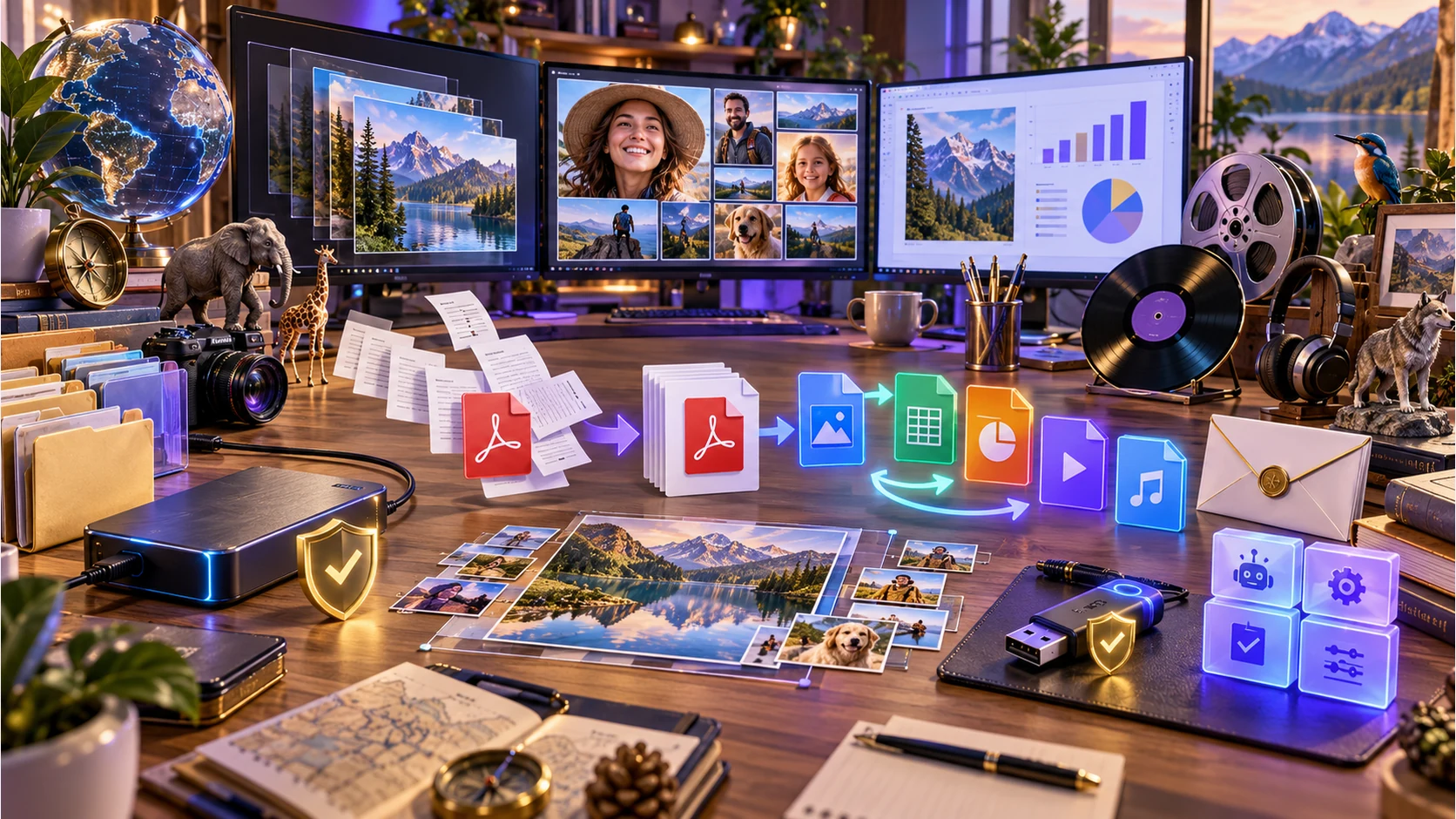
Backup Utility
Projects, schedules, verification and restore to your own drives.
PDF Toolkit
Merge, split, compress, rotate and extract pages locally.
Image Toolkit
Resize, crop, convert and optimise single images or whole folders.
File Converter
Local conversion for images, documents, data, audio and video.
USB Builder
Manage and verify USB content with device safety checks.
Presentation Studio
Turn data and ideas into editable PowerPoint presentations.
Image Composer
Arrange, crop and layer images into one finished composition.
People Explorer
Explore people, cast, credits and facts with their sources.
Animal Explorer
Discover species, classification, relationships and sourced imagery.
Music Explorer
Follow artists, bands, member timelines, releases and works.
World Explorer
Explore countries, places, geography, local time and comparisons.
Screen Manager
Divide displays into work areas and restore your saved layouts.
Read, write, organise and automatically file your mail.
Agent Control
Apply reusable agent rules, task controls and preflight checks.
Plex Discovery
A companion for discovery across your own Plex media collection.
Professional and business systems
Deep operational software, built around the work.
VISINVOKE professional applications move from customer and service operations to planning, evidence, compliance and specialist business workflows.

Service Command Centre
Bookings, customers, devices, jobs, staff, communications, documents, invoices, payments, inventory and reporting live in one service-operations system.
Planning and evidence
Content Planner, maintenance, inspection, compliance and document systems organise repeatable work with clearer records and handoffs.
Technician
Approved technicians receive a local-first workspace for clients, diagnostics, repair resources, registry tools, workflows and knowledge.
Specialist applications
Focused tools such as Website Capture Suite, Virtual Shop and information explorers solve defined jobs without becoming generic suites.
Technician, security and device systems
Diagnose. Repair. Protect. Stay in control.
Technician brings diagnostics, repair resources and workflows together. Managed protection and device-security systems help keep the computers and mobile devices you rely on under control.

Technician workspace
Bring client records, diagnostics, repair tools, registry resources, workflows and technical knowledge into one local-first workspace.
Managed protection
Managed PC Protection provides professionally managed computer protection and ongoing monitoring as a distinct service.
Track, Lock & Wipe
Loss-and-theft protection supports device location, remote lock, remote wipe and data-protection workflows for eligible devices.
Product-specific platforms
Browser, Windows and selected Android experiences are used where they fit the product; every page states its own current support.
Gaming, generators and living worlds
From the next table moment to an entire persistent world.
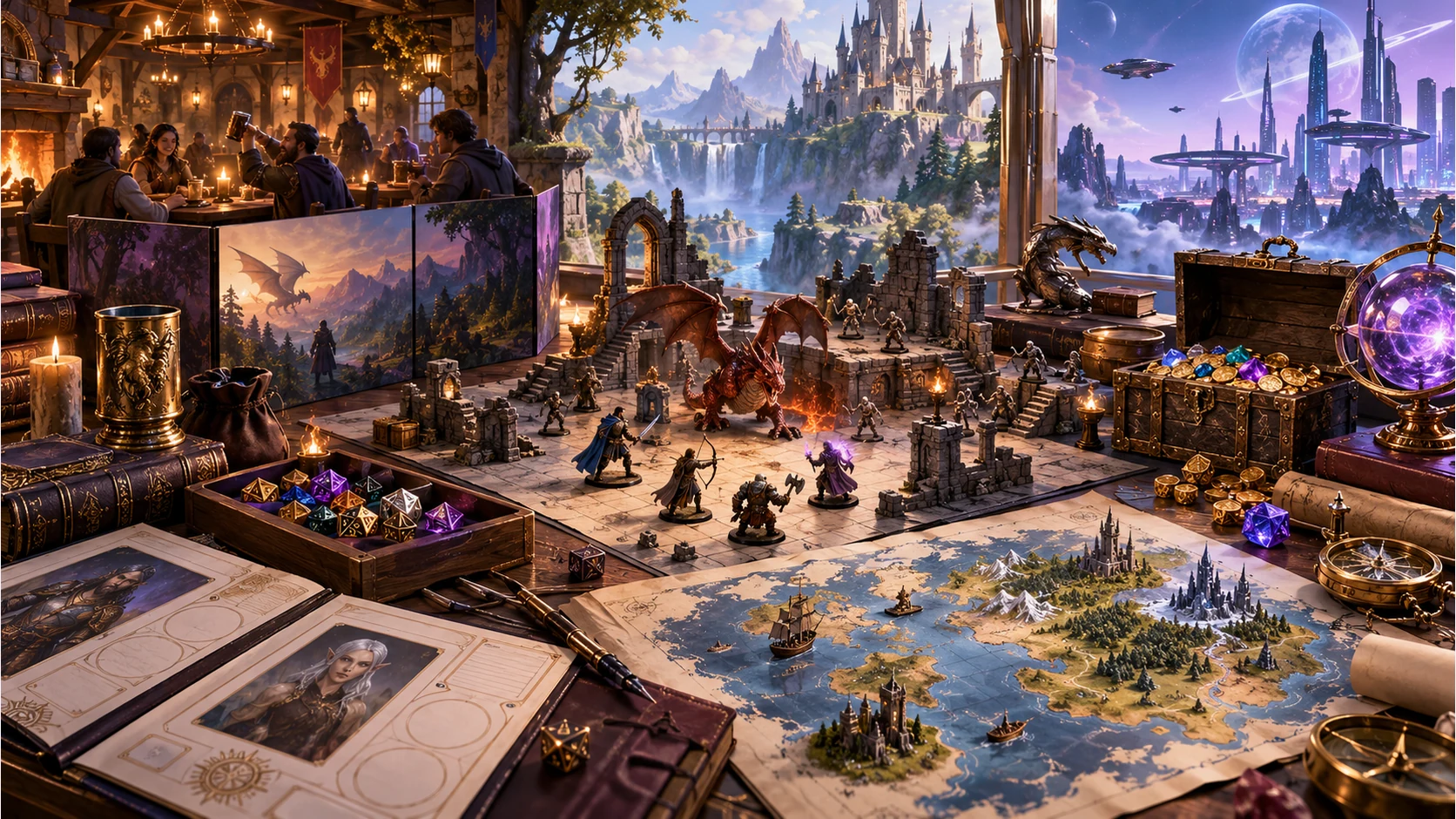
Combat PRO, Battlemaps, Virtual Shop and specialist generators connect tabletop combat, preparation, characters, encounters and world-building. Veridian and CyberTech extend the ecosystem into fantasy and science-fiction worlds.






Context, not a random table
Specialist generators cover preparation, characters, encounters, worlds, consequences and table moments, with supported result handoff into the wider ecosystem.
Veridian and CyberTech
Veridian brings a fantasy-world identity; CyberTech brings a science-fiction identity. Together with Virtual Shop, Combat PRO and the generator library, they give VISINVOKE gaming a much wider scope than a single tool.
VISINVOKE means value: Quality. Ownership. Rewards.

01
Quality
Deep specialist systems, premium presentation and practical capability for real creative, professional and game workflows.
02
Ownership
Where a product is sold as lifetime ownership, the owned core remains distinct from optional cloud or subscription services.
03
Clarity
Free utilities, owned software and optional services keep their own access models, so you can choose the systems that fit.
04
Rewards
Eligible product programmes can add ongoing value while account, pricing and entitlement rules remain visible.
Clear access models
Begin free. Add only the systems that fit.
VISINVOKE products do not share one blanket price or entitlement. Each product page explains its free, ownership or subscription model before checkout.
VISINVOKE account
Freecentral identity
One place to begin
No credit card required. No trials. No expiry. Create the account used for supported Dashboard access, purchases, entitlements and Desktop Command Centre sign-in.
Create free accountFree utilities
Includedcore utility collection
15 full-version products. Free forever.
The 15 free premium utilities are complete products with no trial and no expiry. The core collection covers everyday files, images, presentations, device organisation and discovery through product-specific browser or desktop experiences.
Create a free VISINVOKE accountOwned products
Lifetimewhere offered
Keep the owned core
Products such as Combat PRO can offer a one-time owned core, with optional services kept separate and clearly described.
See an ownership exampleOptional services
Choiceproduct-specific
Subscribe only when it adds value
Cloud capacity, managed services, generator access and professional products use their own current terms and pricing.
Open DashboardVISINVOKE questions
Know how the ecosystem fits before you enter it.
These answers explain the shared account, desktop access and free tools at the centre of VISINVOKE.
What is VISINVOKE?
One connected ecosystem spanning creative systems, professional applications, tabletop and game systems, utilities, security, Technician and business operations.
Do I need an account?
A free account is the central identity for supported Dashboard, product, purchase and DCC access. Individual products may have their own entitlement.
Where do products run?
The ecosystem includes browser experiences, Windows applications through DCC and selected mobile or cross-device experiences. Support varies by product.
Is everything a subscription?
No. VISINVOKE includes free utilities, one-time ownership products and optional subscriptions or cloud services, each labelled on its product page.
What is DCC?
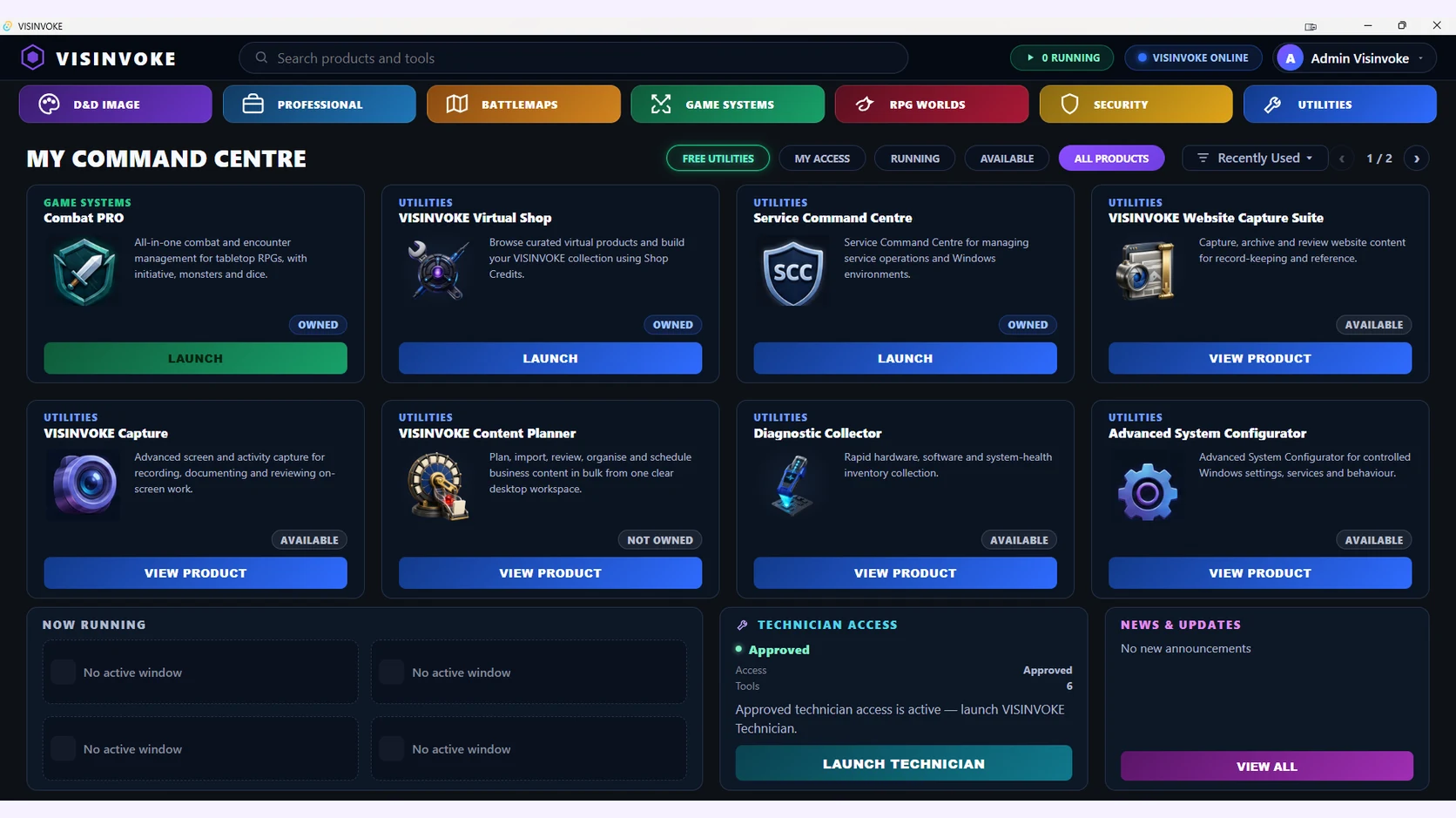
The Desktop Command Centre is the installed Windows catalogue, installer, entitlement and launch point for supported VISINVOKE products.
Which free utilities can I explore?
The 15 core utilities cover backup, PDFs, images, file conversion, USB management, presentations, composition, people, animals, music, world information, screens, email, agent controls and Plex discovery.
Desktop Command Centre
Keep VISINVOKE ready on your Windows PC.
The Desktop Command Centre is the installed catalogue, access and launch point for supported local products. Sign in once, see what is owned or available and open the right system from one place.
Create your free accountInstall DCCSign inLaunch eligible products
View Desktop Command Centre